Free your Gmail from clutter it doesn't need.
Connect your Gmail and say goodbye to "Storage full" message. We find, compress, and clean up the attachments that are eating your space.



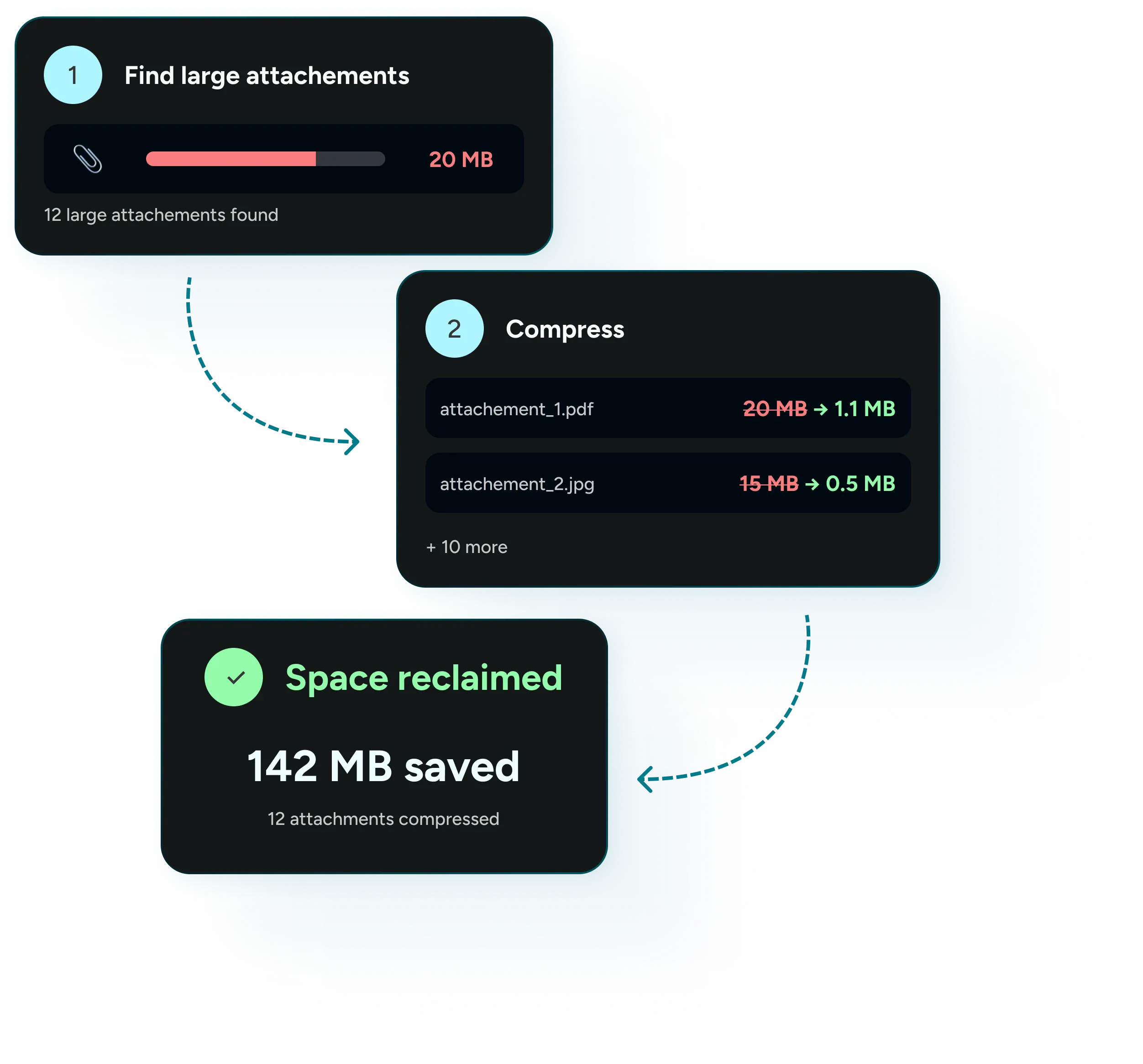
How does it work?
Your inbox stays exactly as it is, just with smaller attachments.
How Email Processing Works:
Your Google Account
Loading storage data…
—
Storage data unavailable. Oops! We encountered an issue. Please try again in a few minutes. If the
problem persists, contact us.
1
Select emails
2
Compress
3
Reclaim space
Step 1 of 3: Select emails
Find emails with large attachments
Scan your inbox to see what's taking up the most spaceFilters
This preset scans a larger pool of emails to reliably find the biggest ones — 500 is the optimal amount for accurate results.
Emails with Attachments (0)
Your Compressed Attachments
⚠️
Something went wrong
Oops! We encountered an issue. Please try again in a few minutes. If the problem persists, contact us.
Reclaiming space
. . .Compressed Attachments
of space is waiting to be freed
To free up space, go to Gmail Trash and empty its contents.
Compressing
.
.
.
0 / 0 emails processed